sicalyme
A downloadable a for Android
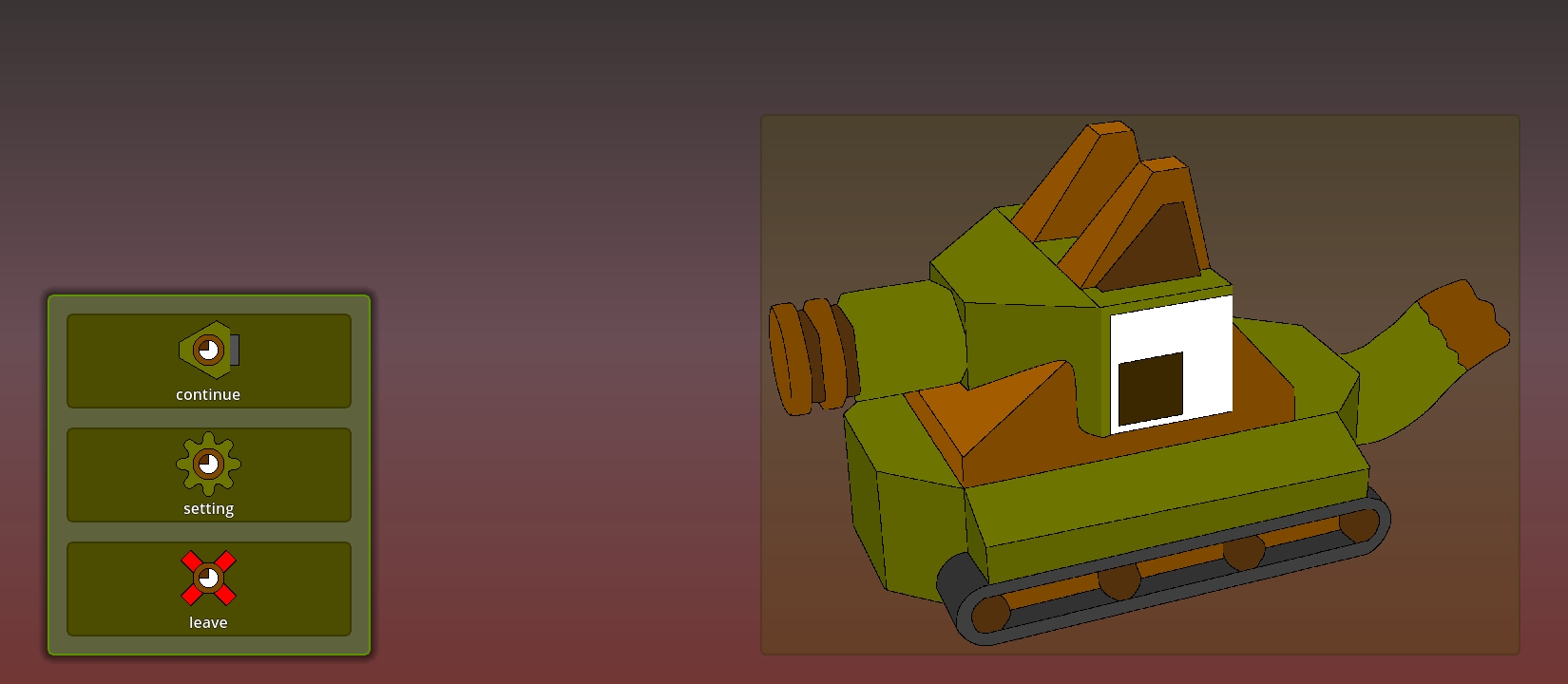
"sicalyme" is a sandbox game, that features LeowLyme as the main character.
features
-
WAVtoMP3, and vise versa. -
mixdown
MIDIwith available soundfonts. -
extract waveform to
MIDI(requiresAIand internet connections. the offline one exist, but it can only detect one pitch at a time, and is inefficient with chords and drum instruments) - snap points-to-points, points-to-lines, points to grid.
- construct points based on line-line intersection, average points.
- procedurally blend/subtract/XOR strokes.
- snap notes-to-grid.
- guess chords.
- choose soundfonts.
- 🧪 BandLab.
- 🥕 FL studio.
- ♌ MusicLab.
- 🤯 and await to include your soundfonts.
- modify frames-by-frames per channels.
- blend/subtract/XOR waveforms.
- trim/transpose/tempo-change waveforms
- advanced sequences edit with DAW.
convert file formats
load, edit, and save any files.
SVG
(Scalable Vector Graphics)
-
is that you being blinded in the mess of XML-based texts in those SVG files?
this app not only could visualize it, but also gives you ability to edit it with special tools, such as:
MIDI
-
is that you being blinded in the mess of gibberish with many alienated unicode characters in those MIDI files?
this app not only visualize it in a DAW, but also give you ability to edit it with special tools, such as:
MP3 and WAV.
-
this app not only visualize it's waveform, but also edit it with special tools, such as:
OBJ and GLB.
PNG
interact with the world.
hang out in multiplayer.
| ⚠️ warning | 🥺 this app is still be under prototype, so all the given features above are fake, and not ready yet |
Download
Install instructions
| 📎 attachments | 📱 Android | 🖥️ Windows |
| ⚙️ executable |
|
|
| 📜 source code |
|
|
| 🏷️ shortcut | 📝 description |
[skip] | ⏩ skip this step if you have already installed godot recently. |
[password] | 🔐 if any ZIP files from this page requires password, the password is 🔑sicalyme🔑. |
download and install godot 4.6dev1 from those links:
| ⌨️OS name | 🔗link |
| 📱Android | APK |
| 🖥️Windows | ZIP |
Development log
- 1.0.2Oct 15, 2025
- 1.0.1 alphaSep 16, 2024
- 1.0.0 alphaAug 01, 2024